
Free open source tool for exporting worksheet content to a text or CSV file with lots of special features – Excel 2007-2019 (Windows optimized)
| File name | XL_export_v1-0.xlam |
| Excel versions | 2010 or later (Windows) |
| Interface languages | German, English |
| Where is the add-in after activation? | "Data" tab, next to the "Data tools" group |
| File size | 180 KB |
| Lines of code (total) | 1226 |
| Source lines of code | 923 |
| Comment lines of code | 122 |
| Blank lines | 181 |
Source code
The source code is published on GitHub  and can also be opened in the VBA editor.
Installation
The tool is shipped as an add-in for Microsoft Excel (.xlam). After installation and activation the tool´s icon is added on the “Data” tab next to the “Data tools” group.
Download version 1.0 – it´s free!
Automatic installation (recommended for Windows)
XL export (7899 downloads )
Manual installation
XL export (7681 downloads )
Features
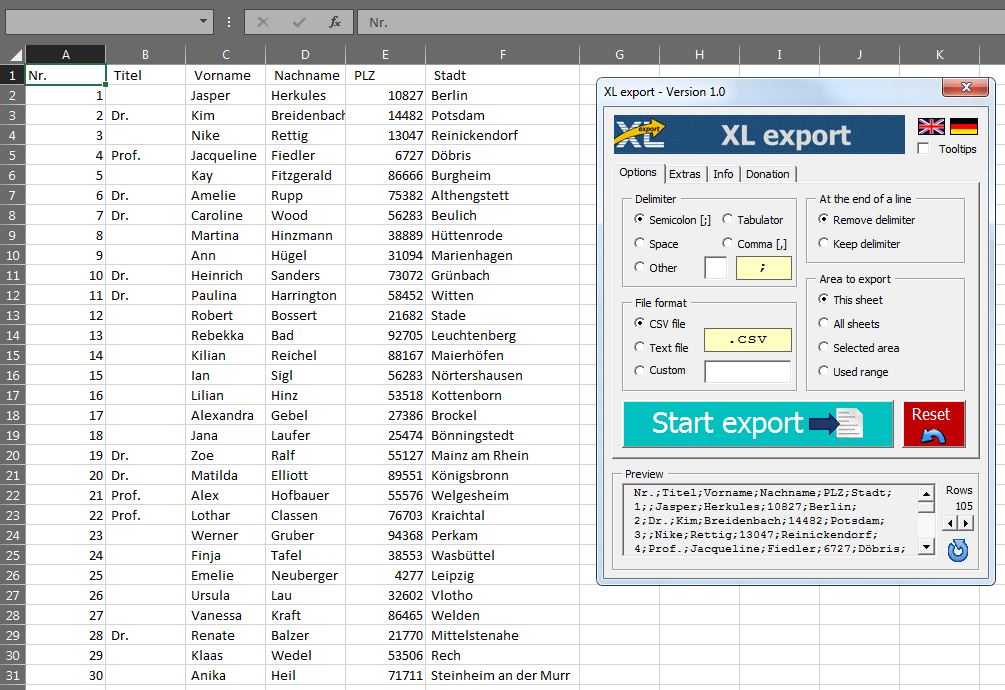
– Choice of the area to be exported
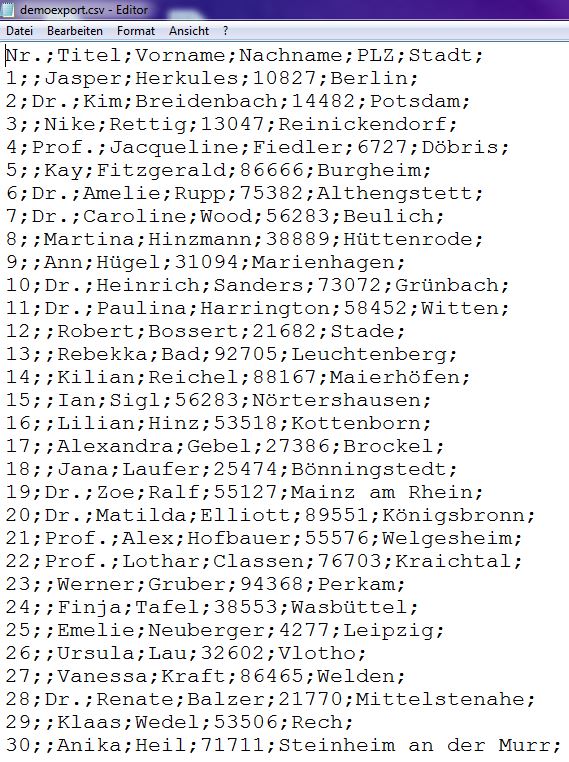
– Export as text file, CSV or custom file type
– Free choice of delimiter
– Delimiter at the end of a row can be deleted
– Unnecessary spaces can be deleted
– Control characters can be deleted
– Conversion to upper-case or lower-case letters possible
– Preview of the export file
– Automatically saving the tool settings
Screenshots

Donation
This add-in is being developed and maintained with private effort and provided for free download. I would be very happy about a small donation to this foundation for sick children in the region of Heilbronn/Germany. Read more on the website of the foundation.